Network Design & Multi-Site Engineering
Network architecture, site surveys, Wi-Fi heat-mapping, and multi-building campus engineering across NY, NJ, and the Northeast. Built right the first time. From a single-office redesign to a 28-building residential campus.
Written quote in 48 hours on every project — and managed clients get our published SLA: 14-min average response, 30-day out clause.
What's included
- Site surveys (Ekahau, AirMagnet, NetAlly) for new builds and retrofits
- Single-office, multi-floor, and multi-building campus architecture
- Public housing and multifamily multi-property network design
- LAN, WLAN, WAN, and SD-WAN architecture
- Wi-Fi 6 / 6E / 7 (Wi-Fi 7 across 6 GHz where the use case justifies it)
- VLAN design — guest, IoT, POS, voice, video, surveillance, management
- Microsegmentation for compliance-driven environments (HIPAA, PCI-DSS)
- Firewall, switch, and routing design (Meraki, Fortinet, SonicWall, Palo Alto, Cisco, Ubiquiti)
- Internet circuit selection, dual-WAN failover, and ISP coordination
- Documented as-built drawings, IP plans, and Visio-format network diagrams
- Capacity planning for 3-, 5-, and 10-year growth horizons
- BICSI TIA-568, TIA-569, TIA-606, TIA-607 compliance
Network design that survives the next three moves — and the next three buildings
Most networks are not designed — they accumulate. A switch added here, an access point zip-tied to a beam there, a firewall installed by the cable company on day one and never touched again. That works until the business outgrows it and the next moves cost ten times what a real design would have. We design networks for what your business actually does today, what it will do in three years, and what happens when something fails at 2 a.m.
What we design
Single-office and multi-floor offices — most of our work. 25 to 250 endpoints, one or two floors, one ISP or dual-WAN with failover. Site survey, equipment selection, IP plan, VLANs, firewall rules, Wi-Fi heat map, and a written cutover plan. Typical engagement runs 2 to 6 weeks of design and a single weekend of cutover.
Multi-building campuses — our scaling discipline. Hospitals, college and school district campuses, multi-tenant office portfolios, distribution centers, and public housing properties. Inter-building fiber pathways (single-mode OS2 over conduit, sometimes aerial where buildings are owned by the same authority), building-level LAN aggregation, centralized firewall and management, scaled IP plan that handles dozens of subnets cleanly, physical security for the network plant in each building, and a 24/7 monitoring strategy that does not blow up when one building loses connectivity.
Multi-site and multi-property rollouts — restaurant groups, retail chains, healthcare practice groups, public housing portfolios, and franchised operations. Standardized site templates so the eighth location deploys identically to the first. Centralized firewall and SD-WAN posture, configuration version control, and a documentation system that keeps every site current.
Campus surveillance backbones — networks designed specifically to carry IP camera traffic at scale. PoE+ and PoE++ switching, multicast and bandwidth segmentation, NVR storage architecture, redundant pathways. We are currently engaged on a 28-building residential campus design integrating IP camera coverage and the network backbone that supports it. See the security cameras service page for the camera-system side.
Retrofits and redesigns — when an existing network has accumulated problems and the cleanest path forward is a redesign rather than another patch. Phased migration, staged cutover, no business-hour disruption.
Acquisitions and integrations — when you acquire a company and need to integrate two networks. Domain unification, identity merge, IP plan reconciliation, security policy normalization.
What “design” actually includes
Site survey with bandwidth requirements, building materials, and existing-state assessment. WAN architecture — single ISP, dual ISP with active-active or failover, SD-WAN where it pays back. LAN architecture — core, distribution, and access tiers where the scale justifies it; flat where it doesn’t. Wi-Fi heat-mapping with real measurements using Ekahau or NetAlly AirMagnet, not vendor predictive tools that lie about coverage. VLAN and segmentation design appropriate to the business — guest, IoT, point-of-sale, voice, video, surveillance, management — with documented inter-VLAN routing and ACLs. Firewall rules that enforce least privilege without becoming unmanageable spaghetti. Naming, labeling, and IP plan that the next engineer can pick up cold. Microsoft Entra ID, Google Workspace, and on-prem AD integration. As-built drawings delivered as PDF, editable Visio, and Lucidchart-compatible.
When you need a network designer
You are moving into a new space and the cabling and network are blank slate. You acquired a company and need to integrate two networks. Your current network has accumulated problems and the easier path forward is a redesign rather than another patch. You are about to deploy 20 or more access points, multiple VoIP phones per desk, AV-over-IP, or a video-heavy contact center and the existing infrastructure cannot support it. You operate across multiple buildings or sites and have decided you would rather have one designed system than seven accumulated ones. You are planning a deployment with strict uptime, compliance, or audit requirements (HIPAA, PCI-DSS, NY SHIELD Act, public sector).
Vendor independence
We design with the right tool for the environment, not the logo on our partner certificate. Common selections:
Firewalls and edge — Cisco Meraki for centralized cloud management; Fortinet FortiGate for security-heavy environments; SonicWall for cost-sensitive SMB; Palo Alto for enterprise-grade requirements; Ubiquiti UniFi Gateway for IT-savvy clients who want capable hardware without recurring license fees.
Switching — Cisco Catalyst, Meraki MS, Aruba, Fortinet FortiSwitch, Ubiquiti UniFi, Netgear AV, Dell. Multi-gig and 10G uplinks where the access density justifies it.
Wi-Fi — Cisco Meraki, Aruba, Ruckus, Ubiquiti, EnGenius, TP-Link Omada. Wi-Fi 6, 6E, or 7 chosen on use case rather than spec sheets.
Cabling and pathway — designed alongside the network architecture. See the structured cabling page for the full low-voltage stack.
What it costs
Project-priced based on scope — driven by site count, square footage, building count for campus work, survey complexity, and how much existing-state documentation we have to start with. We quote the design as a fixed-fee deliverable so you know what you are paying before we start; the design package is yours regardless of who installs it. Request a written quote and we will scope it after a site walk.
From the field
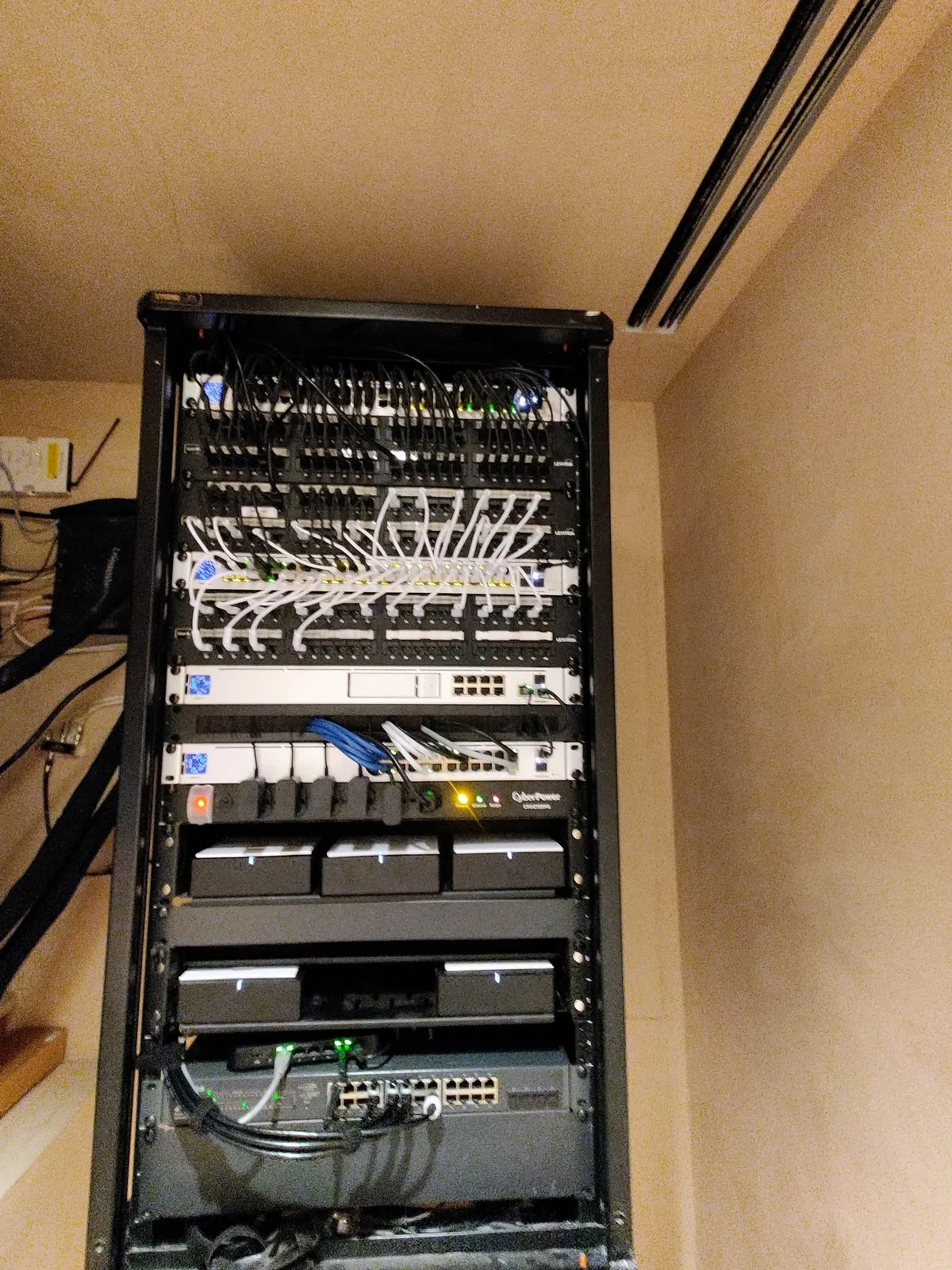
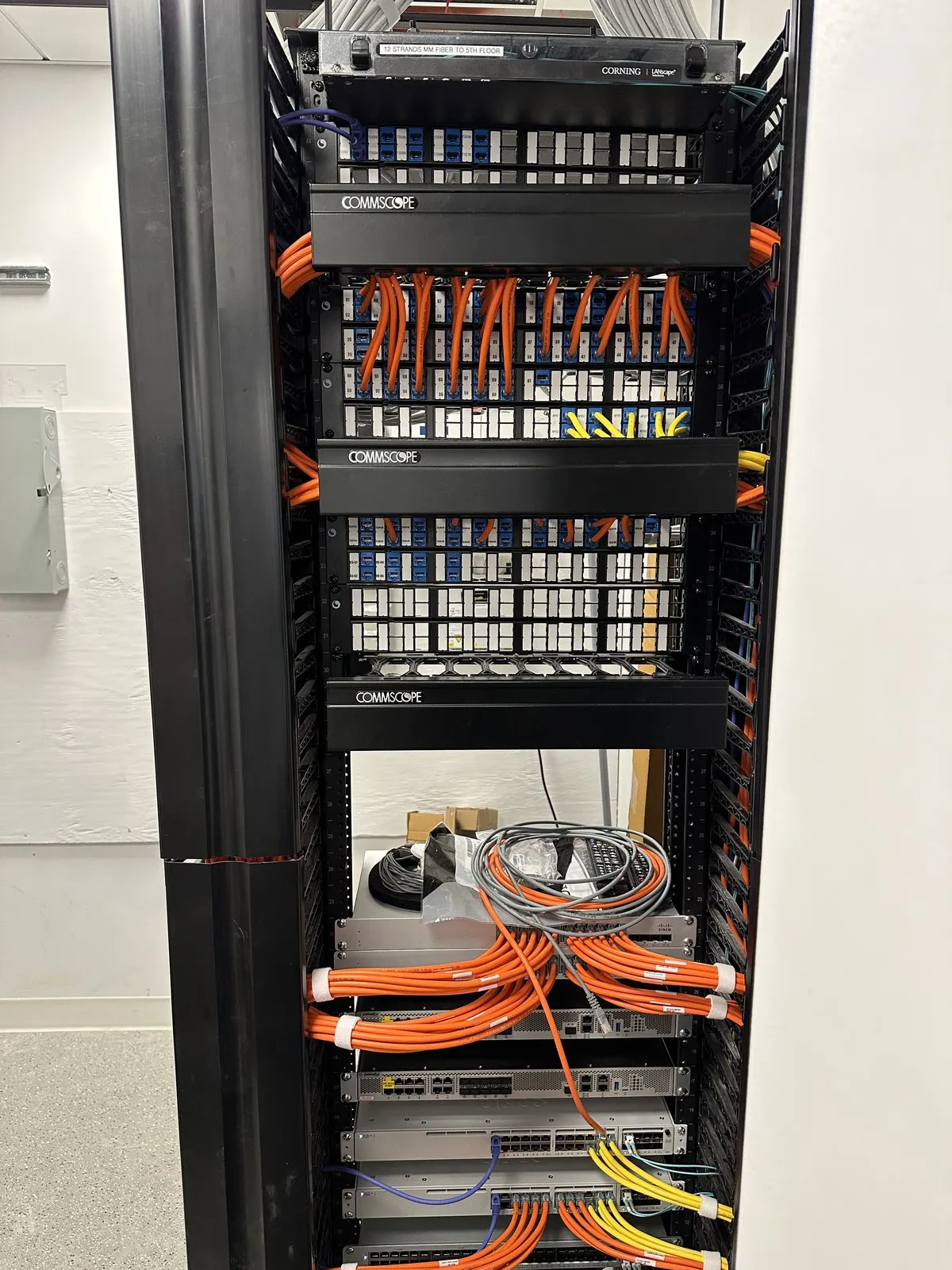
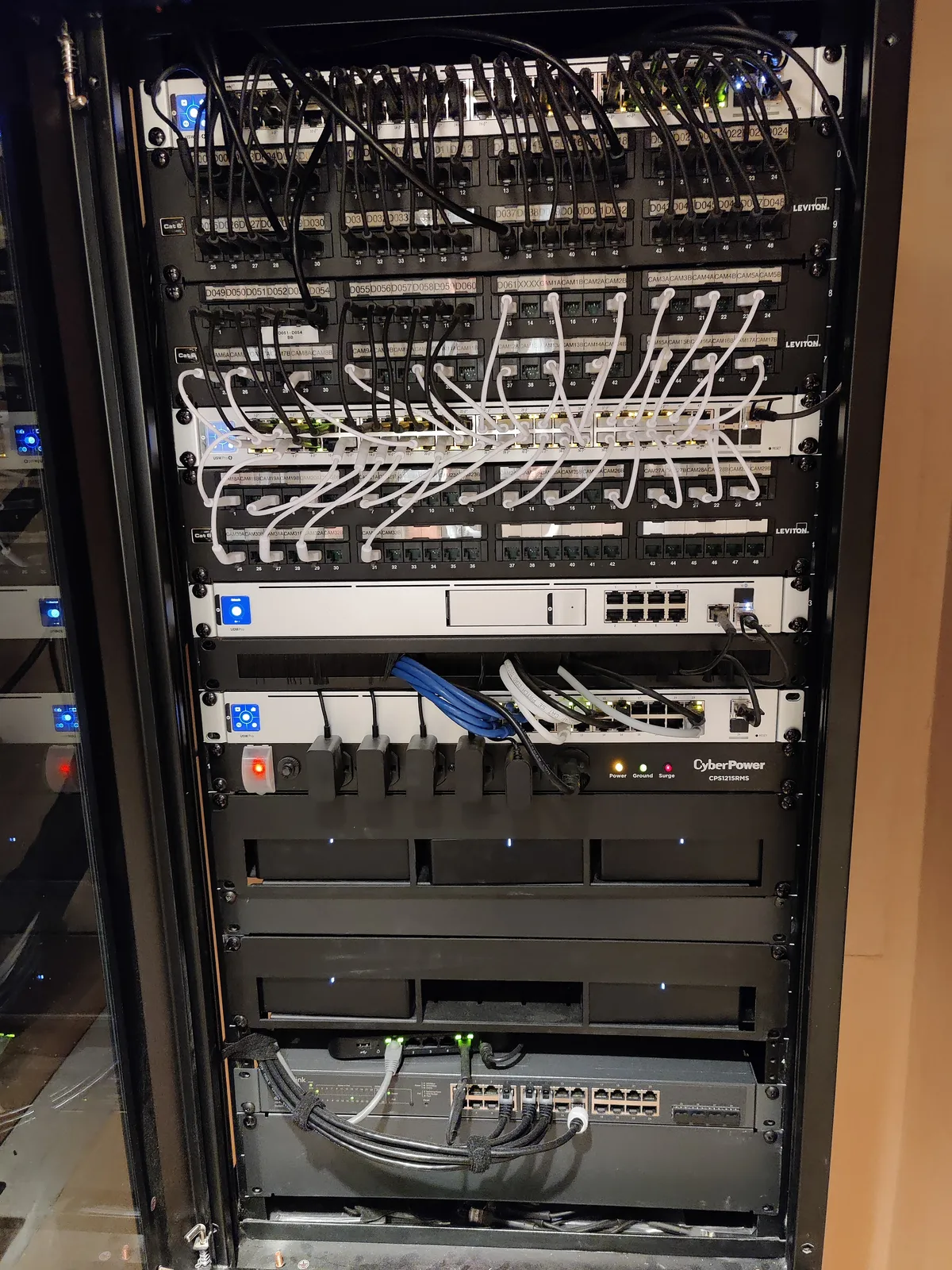
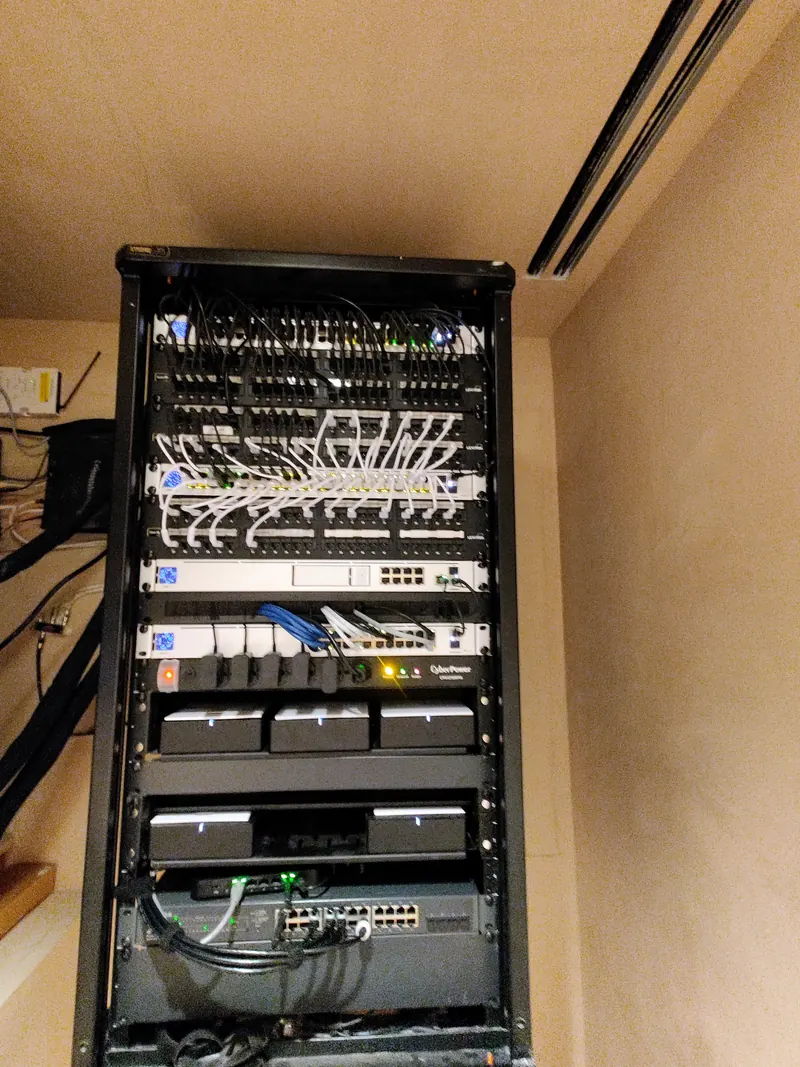
Pair with cabling and managed IT
For our managed-services clients we deliver design-build — the design plus the cabling, the install, the configuration, and the post-go-live support all under one accountable team. See Design-Build Infrastructure for the integrated offering.
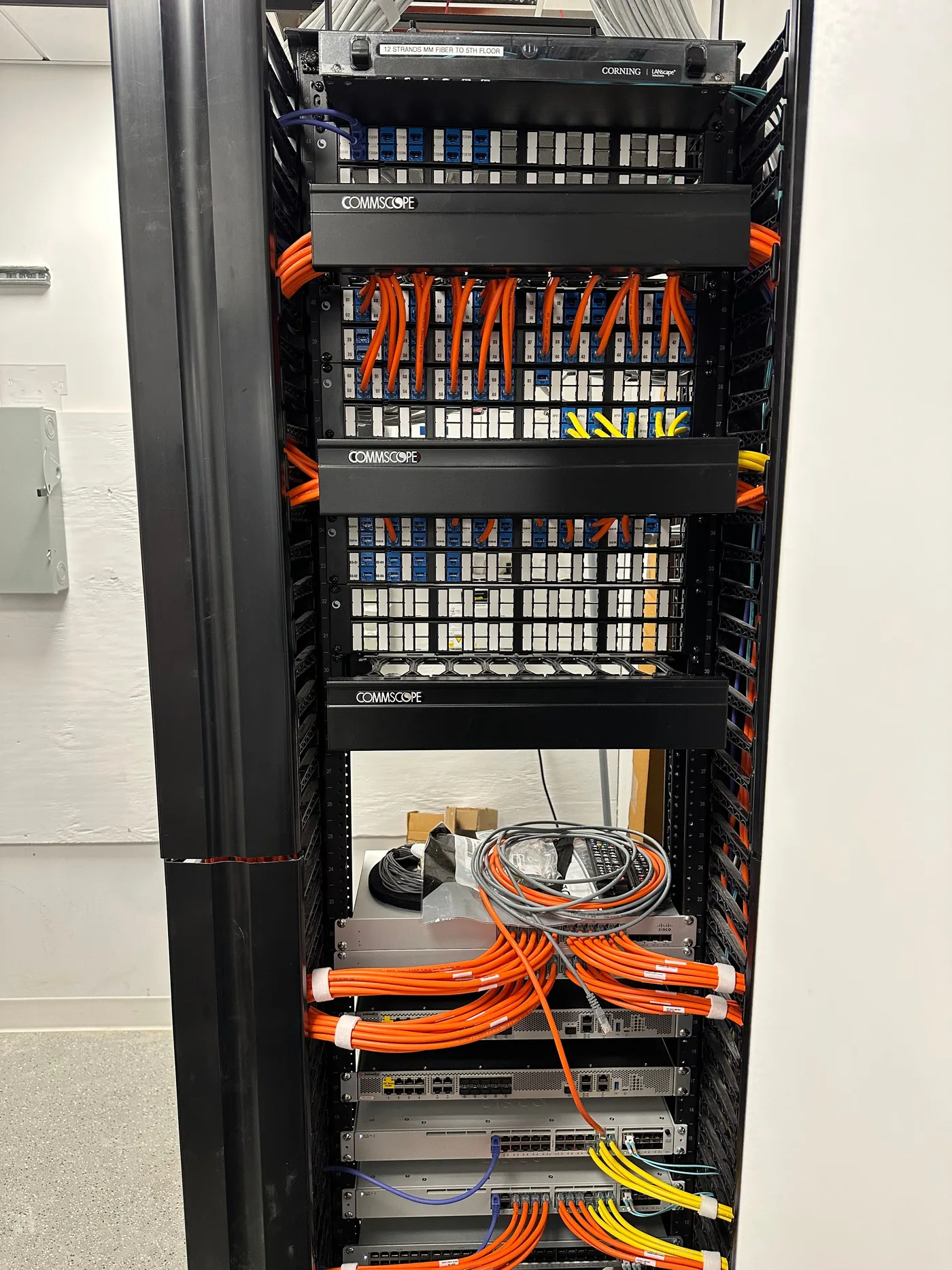
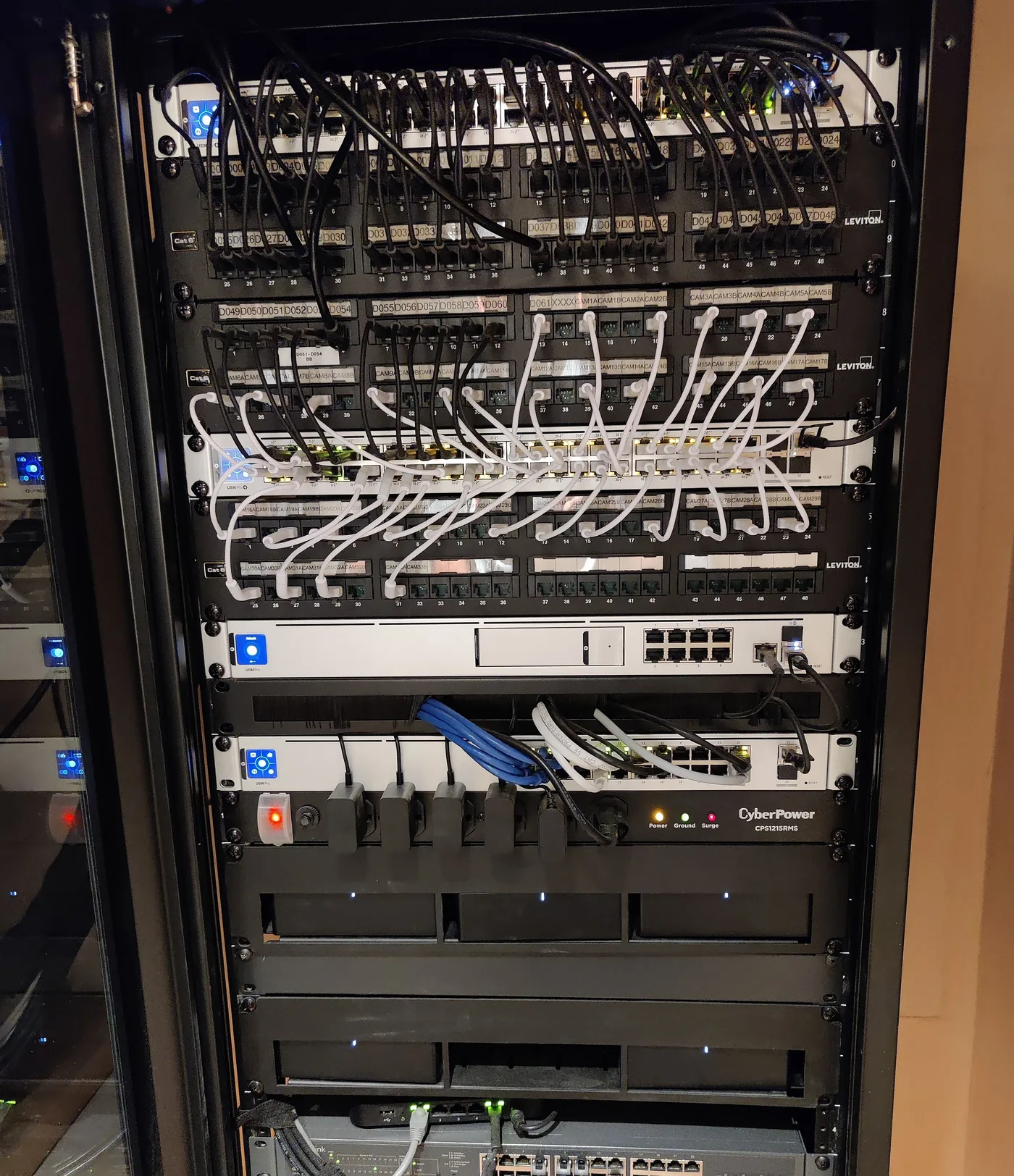
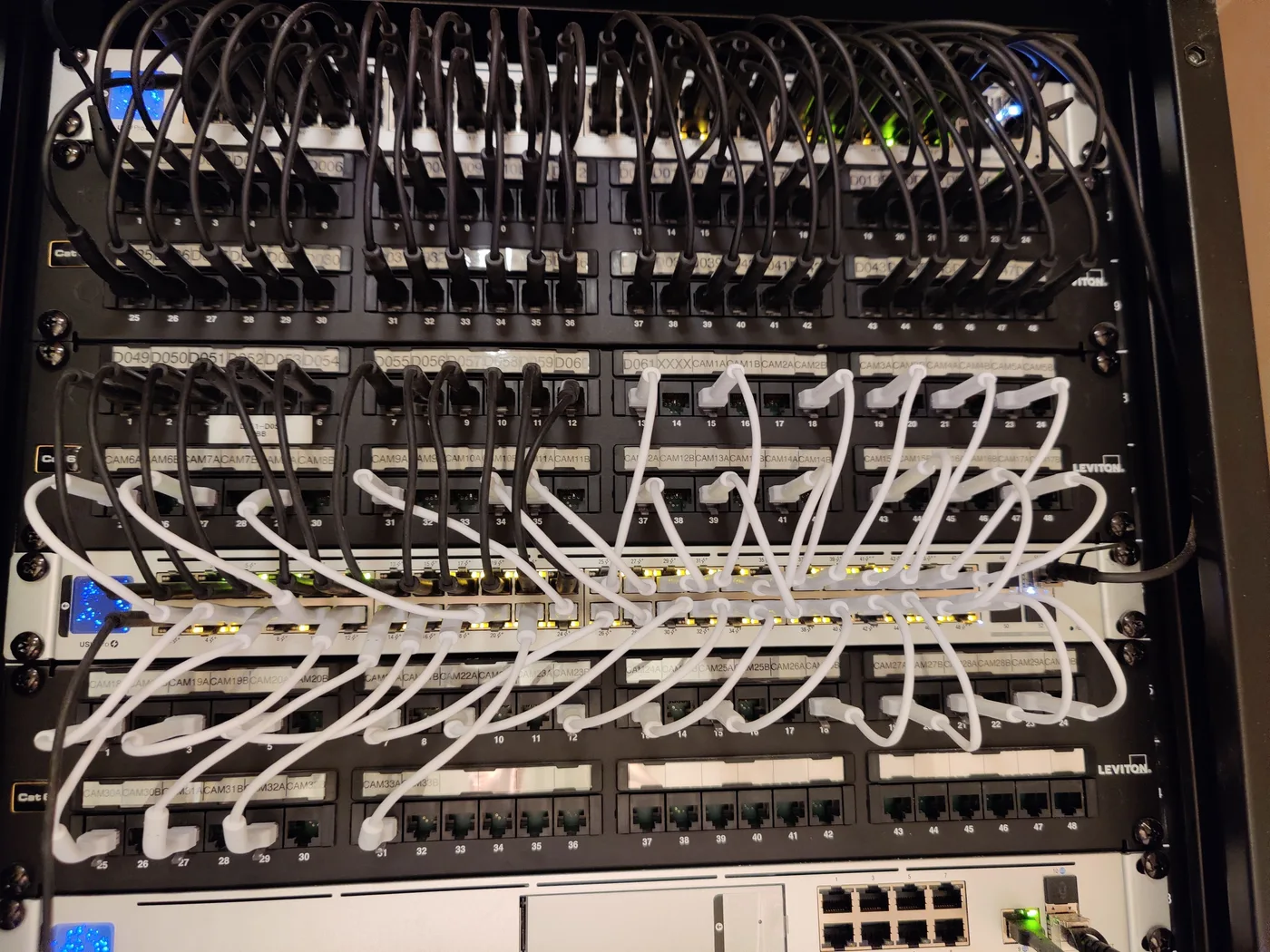
From our installs
Network Design & Multi-Site Engineering — questions we get
Do you design first and install separately, or both together?
Either. We commonly design networks that other contractors install (with our oversight on punch list and certification) and we also do design-build for our managed-services clients where we own the entire stack. Decoupling design from install gives you a competitive bid; integrated design-build moves faster and keeps the warranty conversation simple. The design package — drawings, equipment list, IP plan, configuration backups — is yours regardless of who installs it.
Can you redesign an existing network without ripping it out?
Yes. Most engagements are phased migrations — we design the target state, then move services in waves with cut-over windows that fit your operations. A typical mid-size office migration is 2–4 weekends with no business-hour disruption.
What about Wi-Fi for big spaces — warehouses, restaurants, multi-floor offices, multi-building campuses?
We site-survey with Ekahau or NetAlly AirMagnet, design with proper AP placement based on the actual building materials (concrete, metal racking, glass-curtain walls all behave differently), and configure for the real device density. Wi-Fi that "works at the desk" but fails in the conference room is almost always a survey problem, not a hardware problem. For multi-building campuses we plan for inter-building fiber, mesh-vs-controller-managed access points, and roaming behavior.
Do you handle multi-building campus networks — hospitals, public housing, school districts, multi-tenant office?
Yes. Multi-building work is its own discipline. Inter-building fiber paths (often single-mode OS2 over conduit between MDFs and IDFs in each building), redundant ring or star topology, building-level LAN aggregation, centralized management, IP plan that scales to dozens of subnets, and physical security for the network plant in each building. We are currently engaged on a 28-building residential campus design covering camera and network infrastructure across the entire complex.
Which firewall vendors do you design with?
Cisco Meraki for clients who want centralized cloud management and are willing to pay the recurring license. Fortinet FortiGate for clients who want a more powerful security stack, especially in regulated environments. SonicWall for cost-sensitive SMB. Palo Alto for enterprise-grade where the budget supports it. Ubiquiti for IT-savvy clients who want capable hardware without the recurring license. We pick the right tool for the environment, not the brand on our certificate wall.
How do you decide between Wi-Fi 6, 6E, and 7?
Wi-Fi 6 is the floor for any new install in 2026. Wi-Fi 6E adds the 6 GHz band, which is genuinely useful in dense, AP-heavy deployments where 5 GHz is congested. Wi-Fi 7 is worth the premium when you have client devices that support it (newer iPhones, MacBook Pros, business laptops since 2024) and the use case is bandwidth-heavy — video editing, telehealth, AV-over-IP. We do not push Wi-Fi 7 where Wi-Fi 6 will deliver the same real-world experience for half the cost.
What does a written network design package include?
Site survey results with heat maps. Logical and physical topology diagrams (Visio and PDF). Equipment list with model numbers, quantities, and budgetary pricing from at least two vendors. IP addressing plan with subnet allocation. VLAN and trunking plan. Firewall rule set (least privilege). Wi-Fi SSID and security plan. Cabling and pathway requirements. Implementation phasing and cutover plan. As-built target state for comparison after build. Configuration templates ready for deployment.
Network Design & Multi-Site Engineering — recent case studies
- Construction
Construction Firm Office Relocation: Cabling, Network, and Phones in One Weekend
A 35-person construction firm in Staten Island moved offices on a Friday evening and walked into a fully working environment Monday morning — cabling, switches, phones, AV, the whole stack.
Read more about Construction Firm Office Relocation: Cabling, Network, and Phones in One Weekend - Multi-Building Residential — Public Housing
Oak Park, Stamford CT: 305-Camera Multi-Building Surveillance Backbone
Network design, switch programming, and IP video surveillance integration across a 28-building multi-dwelling community in Stamford, CT — Phase 1 existing (75 cameras) integrated with Phase 2-3 expansion (~230 new cameras across 20 new townhome buildings on a redesigned 10G fiber backbone).
Read more about Oak Park, Stamford CT: 305-Camera Multi-Building Surveillance Backbone - Transportation & Logistics
Logistics Company Builds Out 28,000 sq ft Warehouse with Cameras, Access, and Wi-Fi
A growing 3PL company opened a new warehouse in northern New Jersey and engaged Sage to handle every piece of low-voltage and IT infrastructure: structured cabling, Wi-Fi, security cameras, access control, and the back-office network.
Read more about Logistics Company Builds Out 28,000 sq ft Warehouse with Cameras, Access, and Wi-Fi
Other services we deliver
Business Internet & Connectivity
ISP sourcing across hundreds of carriers — fiber, coax, fixed wireless, DIA, SD-WAN, and failover. Quoted by address, managed by one team.
Read more about Business Internet & ConnectivityStructured Cabling & Low-Voltage Wiring
Cat 6/6A, fiber, coax, speaker, fire alarm, burglar, paging — every low-voltage run, certified and documented.
Read more about Structured Cabling & Low-Voltage WiringWi-Fi Engineering & Heat-Mapping
Site surveys, heat-mapping, and Wi-Fi 6/6E/7 design and deployment.
Read more about Wi-Fi Engineering & Heat-Mapping
Network Design & Multi-Site Engineering for your industry
- Network Design & Multi-Site Engineering for Call Center IT
- Network Design & Multi-Site Engineering for Construction IT
- Network Design & Multi-Site Engineering for Entertainment & Media Production IT
- Network Design & Multi-Site Engineering for Transportation & Logistics IT
- Network Design & Multi-Site Engineering for Healthcare IT
- Network Design & Multi-Site Engineering for Restaurant IT
Network Design & Multi-Site Engineering across the NY & NJ metro
Local pages with neighborhood-specific detail for network design & multi-site engineering.
Ready for IT that does not surprise you?
A 30-minute call. No slide deck. We will tell you what looks healthy, what looks risky, and what we would do first.