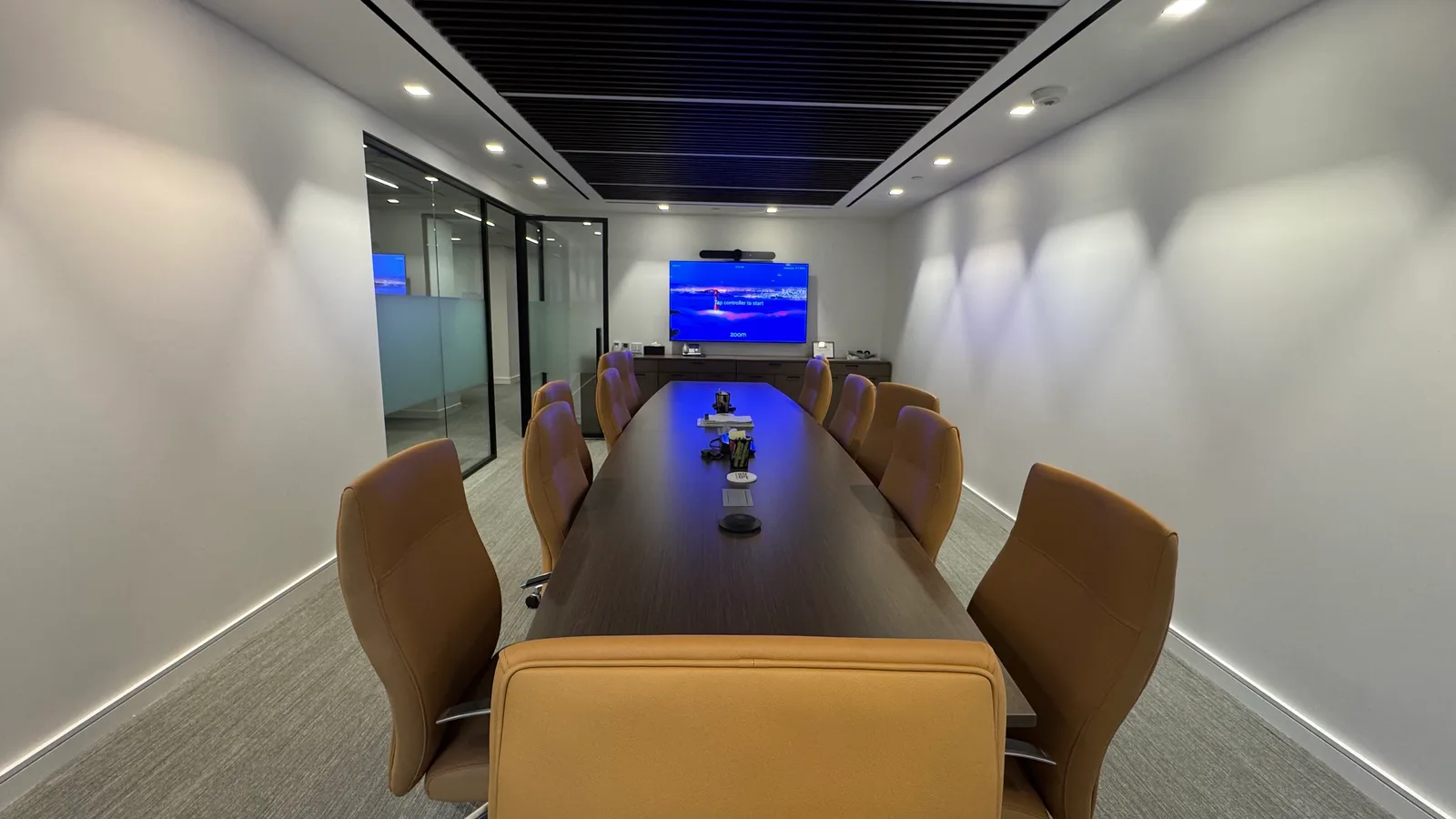
Conference Room Design & Build
Conference rooms that work the moment the meeting starts. Zoom Rooms, Microsoft Teams Rooms, Google Meet — designed, installed, integrated.
Written quote in 48 hours on every project — and managed clients get our published SLA: 14-min average response, 30-day out clause.
What's included
- Zoom Rooms certified hardware deployment
- Microsoft Teams Rooms certified hardware deployment
- Google Meet hardware deployment
- Boardroom-grade audio with ceiling and gooseneck mics
- Single, dual, and triple-display configurations
- Touch panel control (Crestron, Logitech Tap, Yealink)
- Wireless presentation and BYOD support
- Calendar integration with M365 or Google Workspace
- Acoustic treatment recommendations
Conference rooms that work when the meeting starts
The video-call era turned conference room AV from “nice to have” into “the difference between a productive meeting and ten minutes of fumbling while three executives stare at a black screen.” Most conference room failures trace to one of three things: the AV was specced from a generic kit instead of designed for the room, the calendar integration was an afterthought, or there was no one accountable for the system after install. We solve all three.
What we deploy
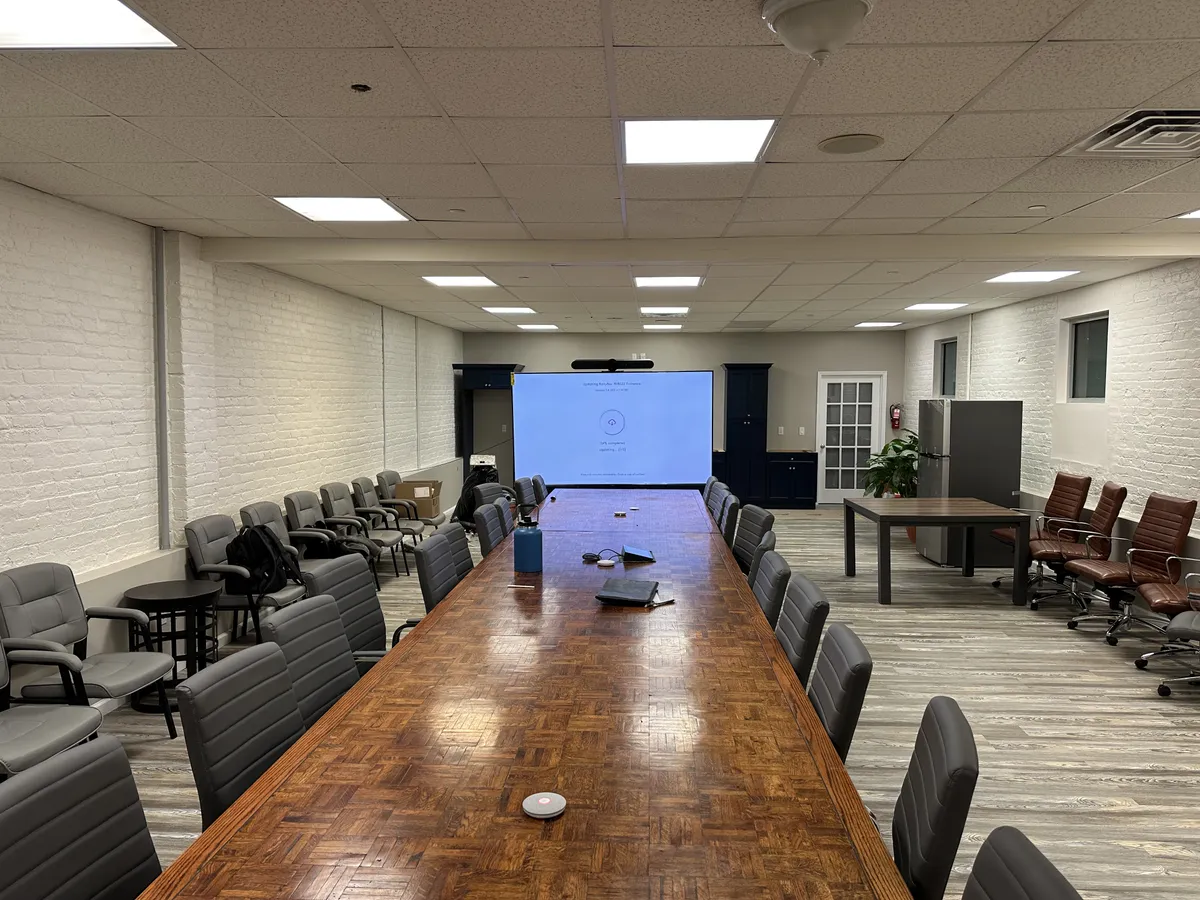
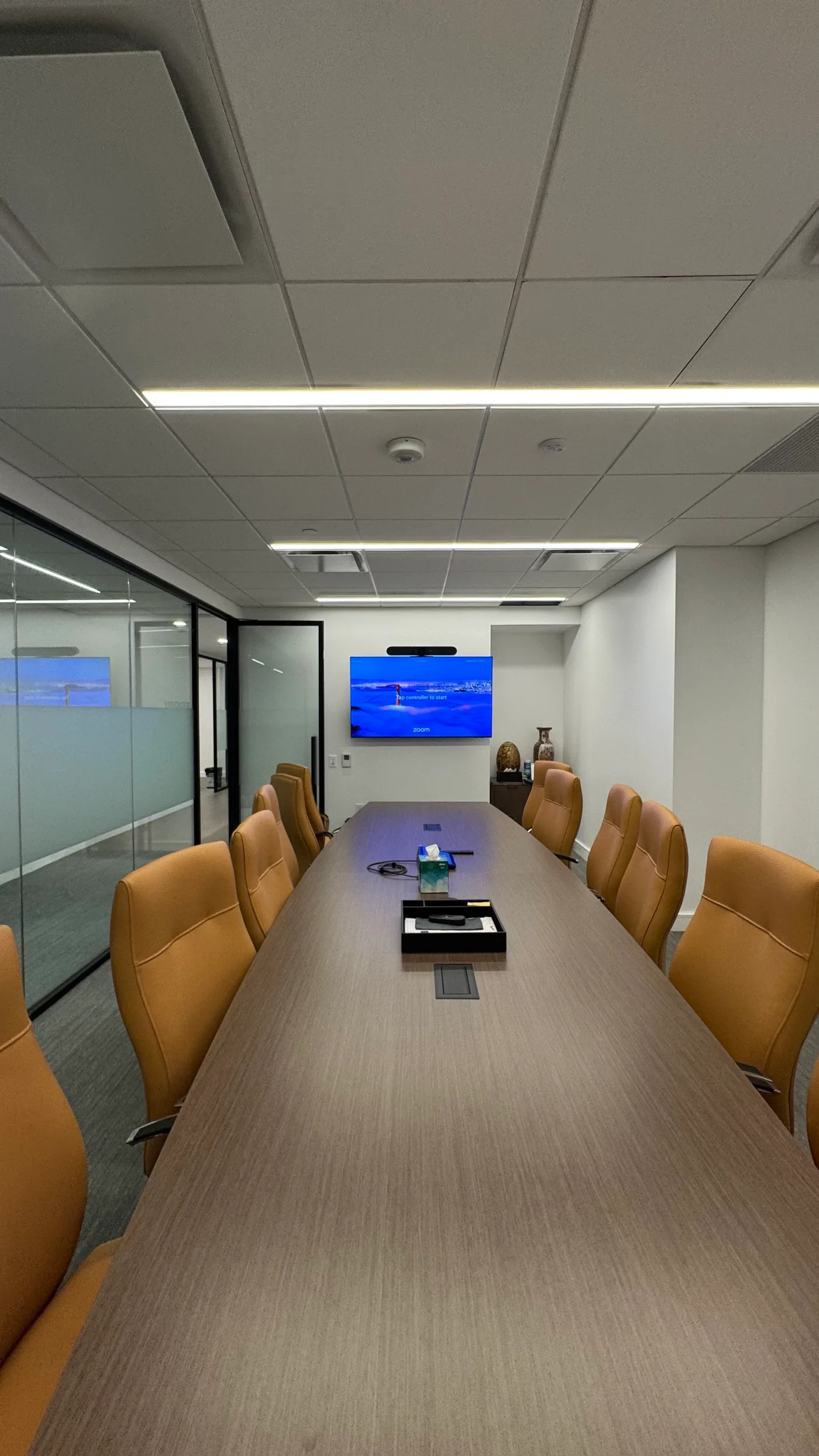
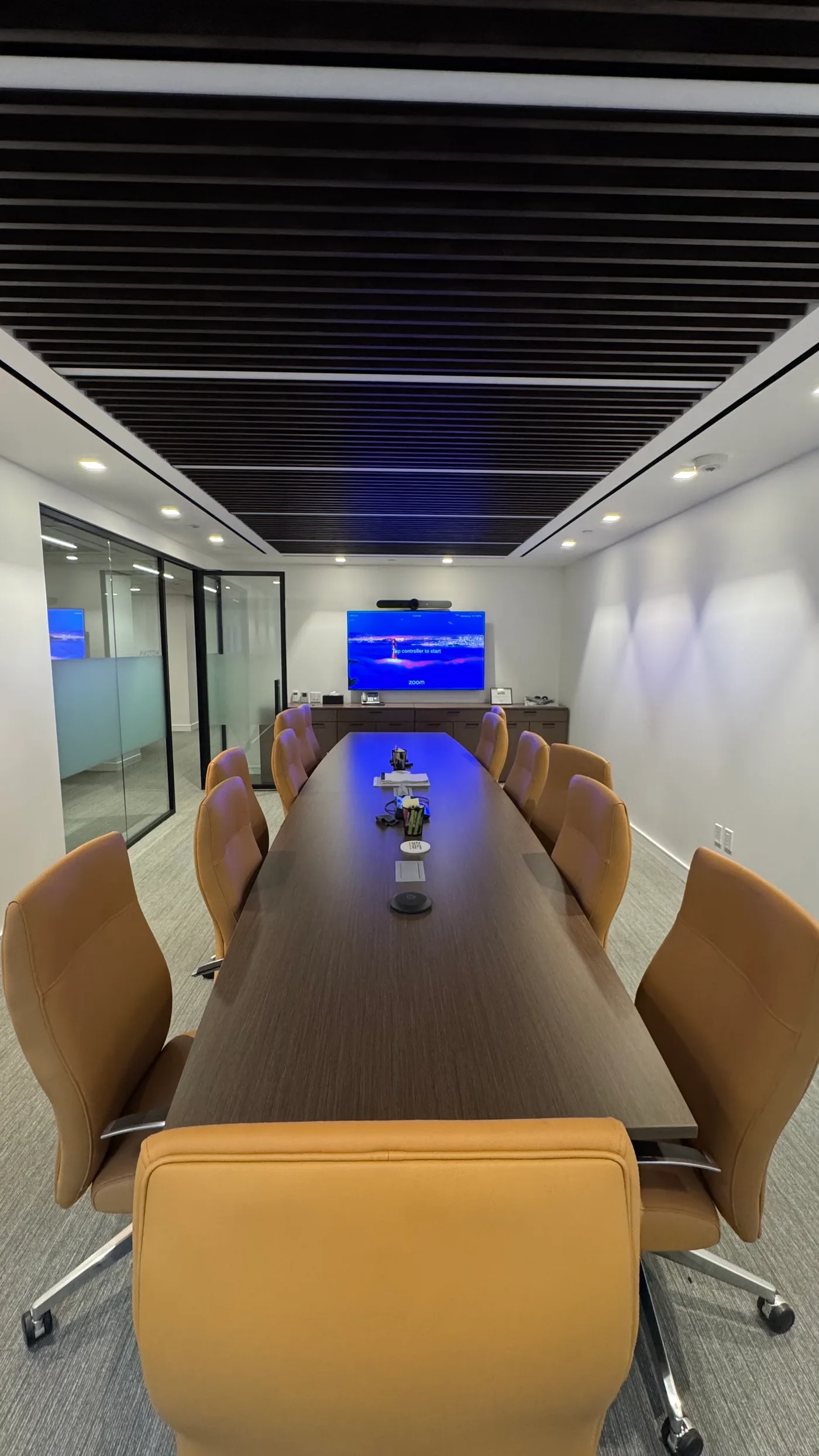
Boardrooms (12+ seats). Multi-display, ceiling mic array, dedicated speaker bar or distributed speakers, touch panel control, often with a separate camera array for proper framing. Zoom Rooms or Teams Rooms certified, fully integrated with the room’s calendar.
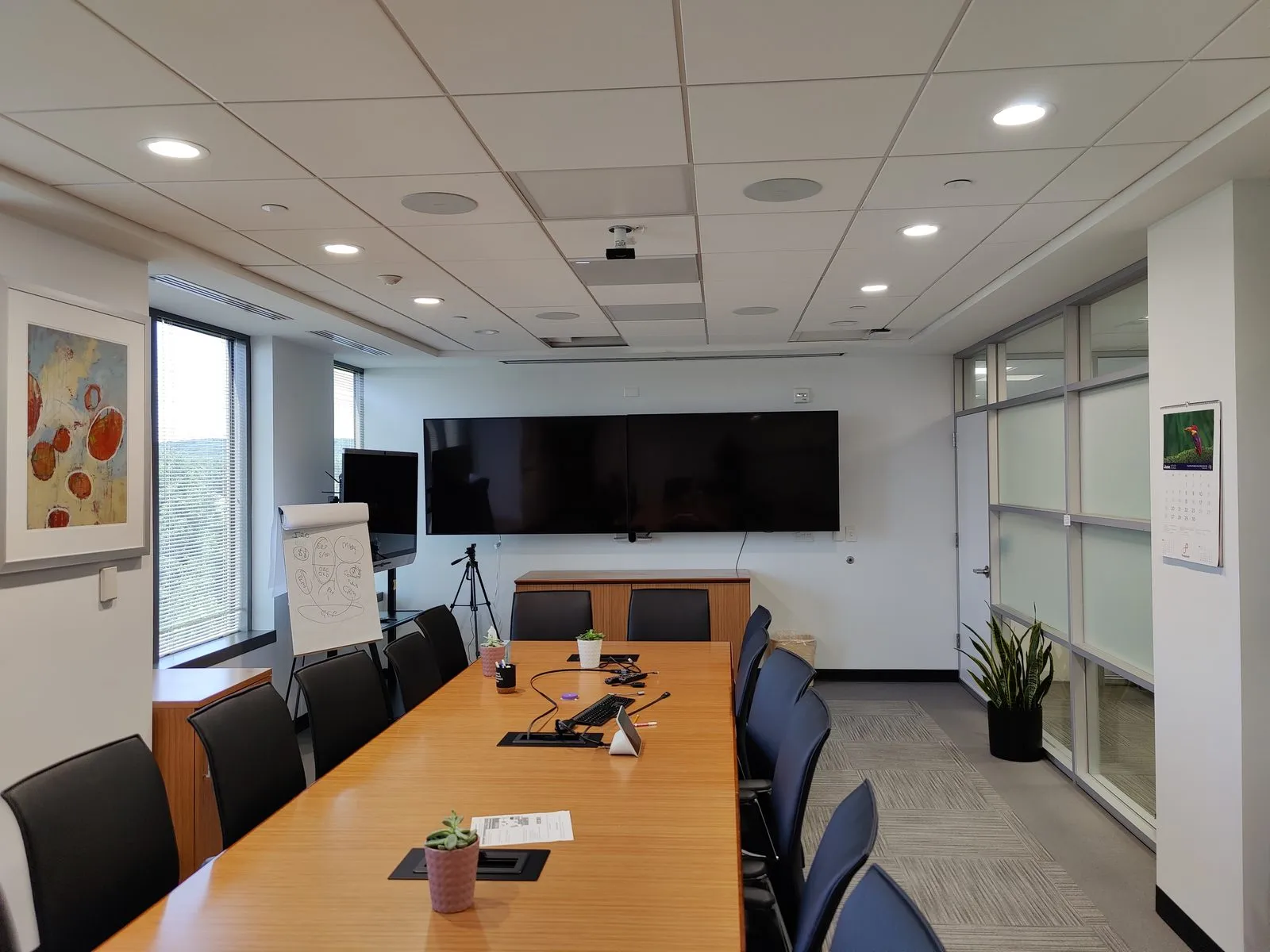
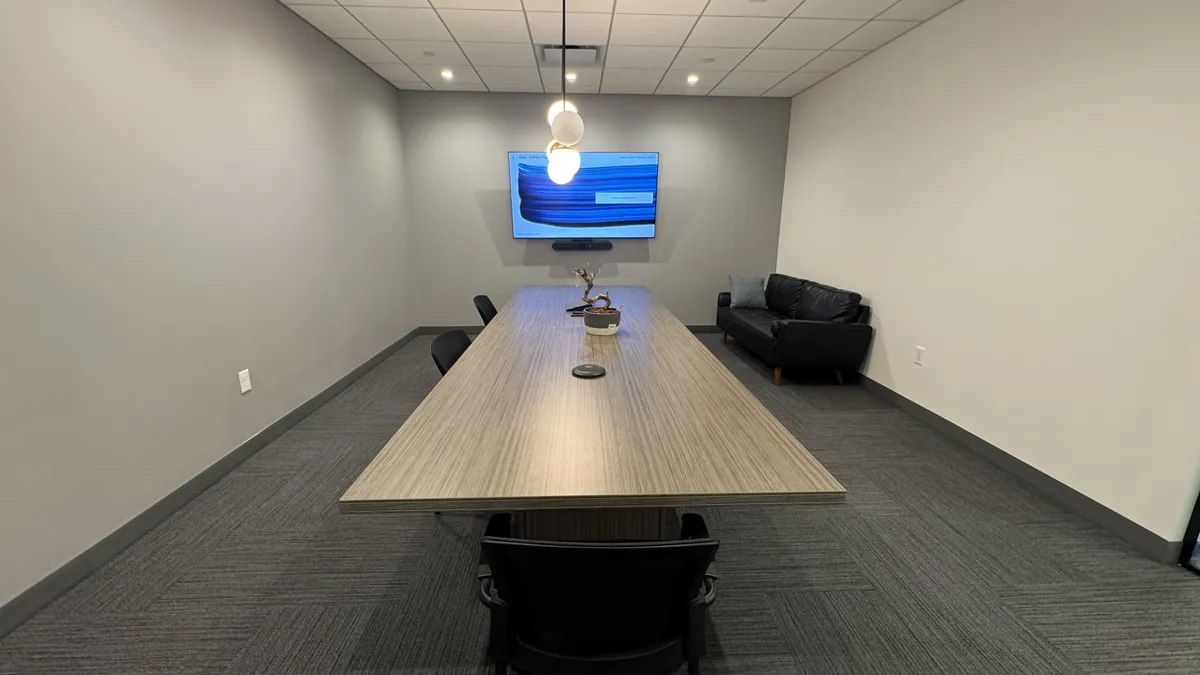
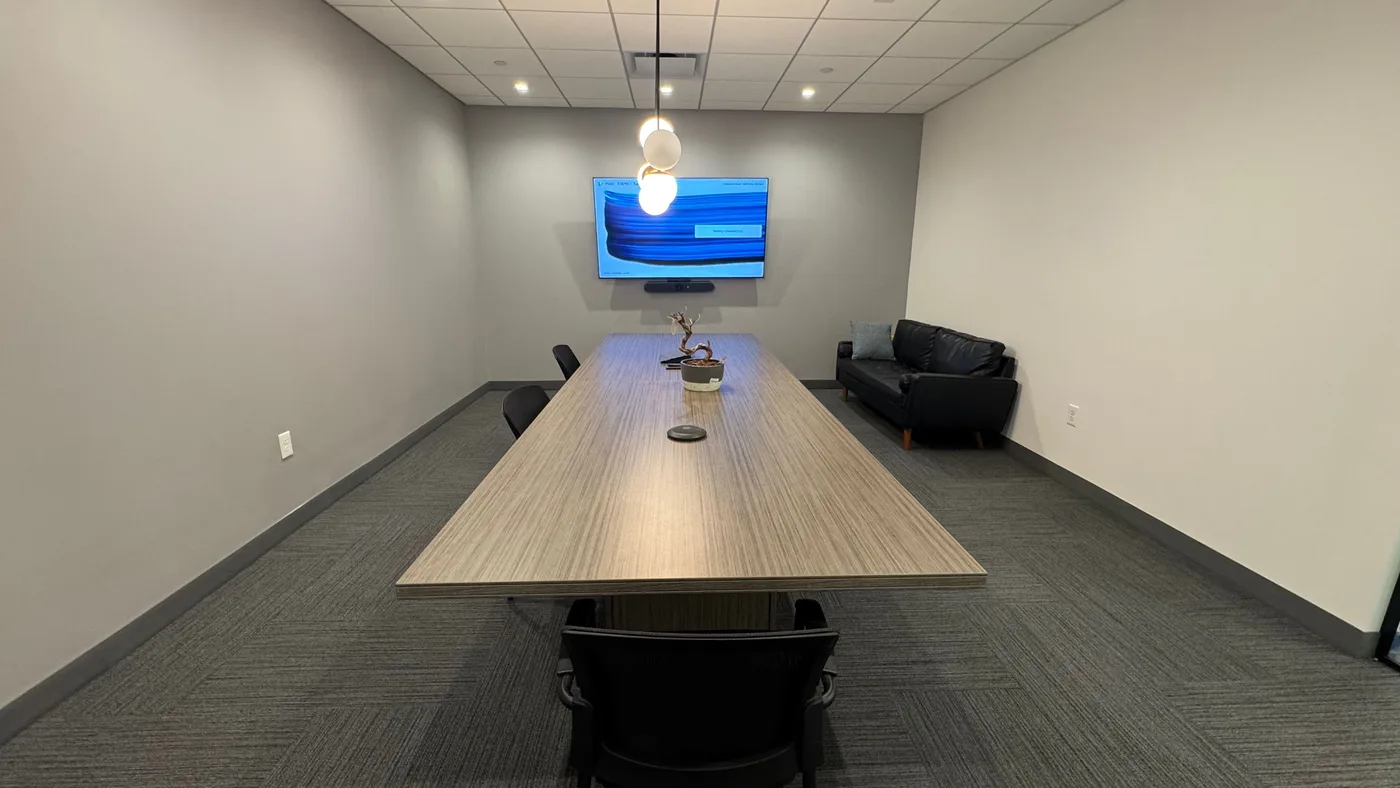
Conference rooms (6–12 seats). Single or dual display, all-in-one video bar (Logitech Rally Bar, Poly Studio X-series, Yealink MeetingBar) with proper microphone coverage, touch panel.
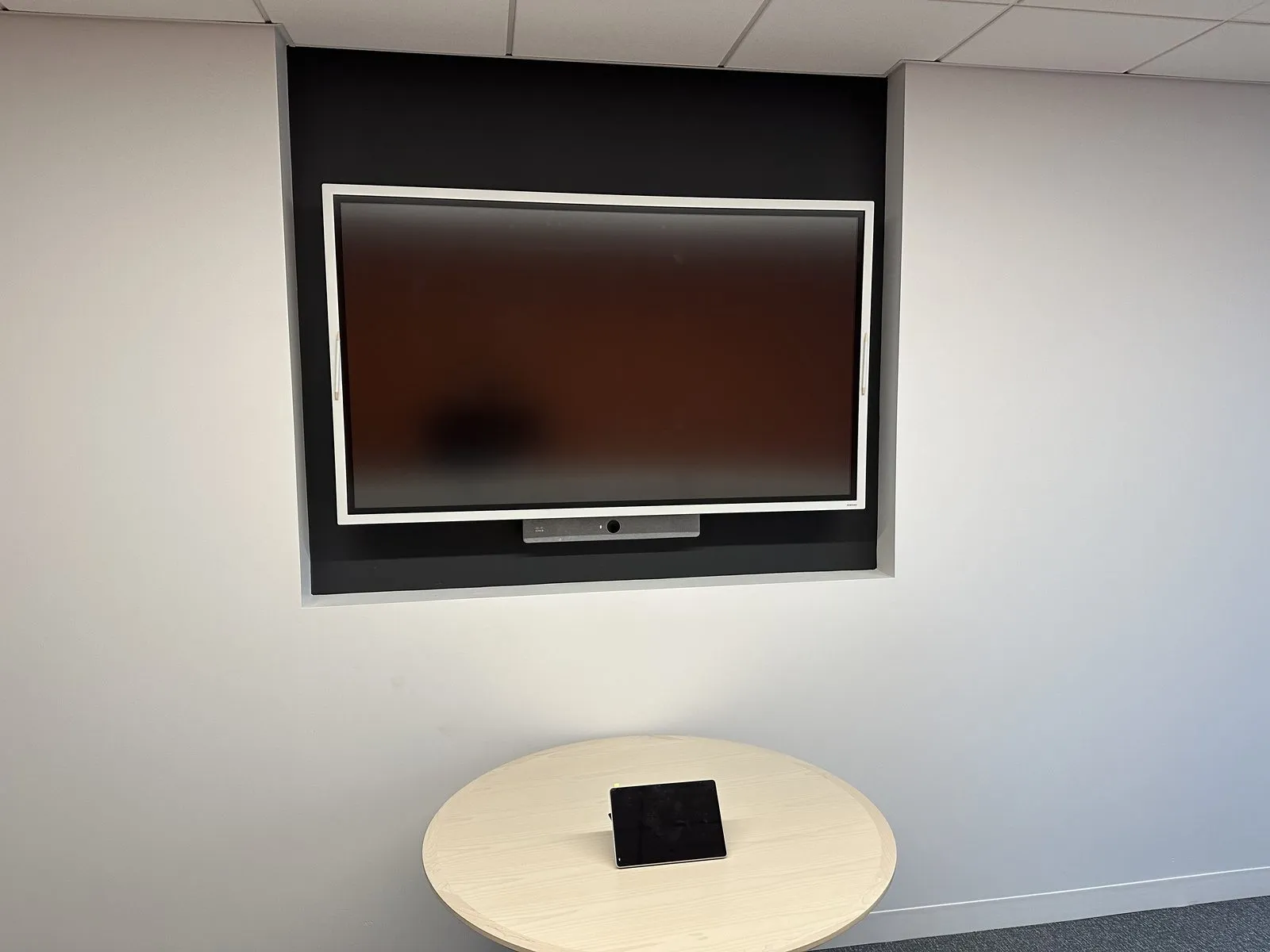
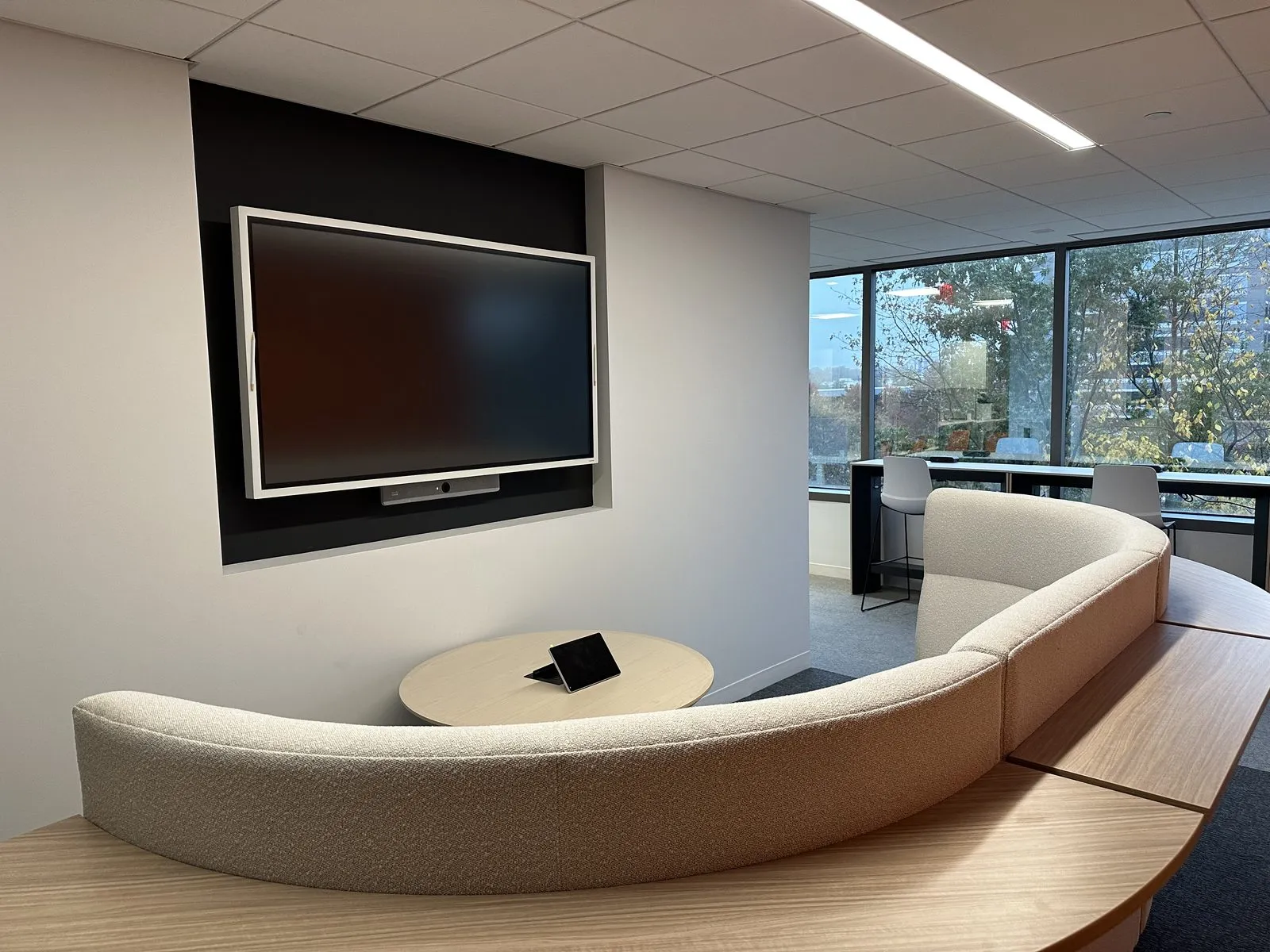
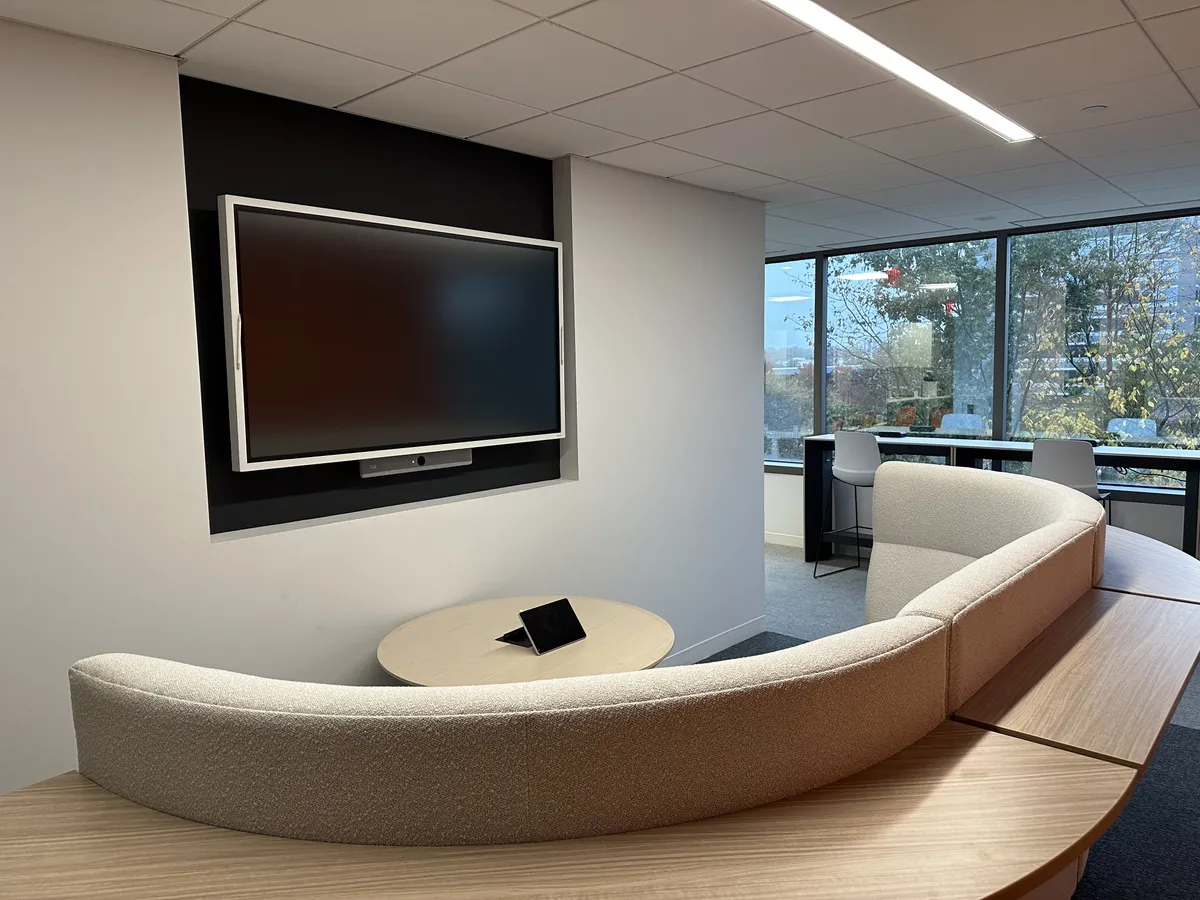
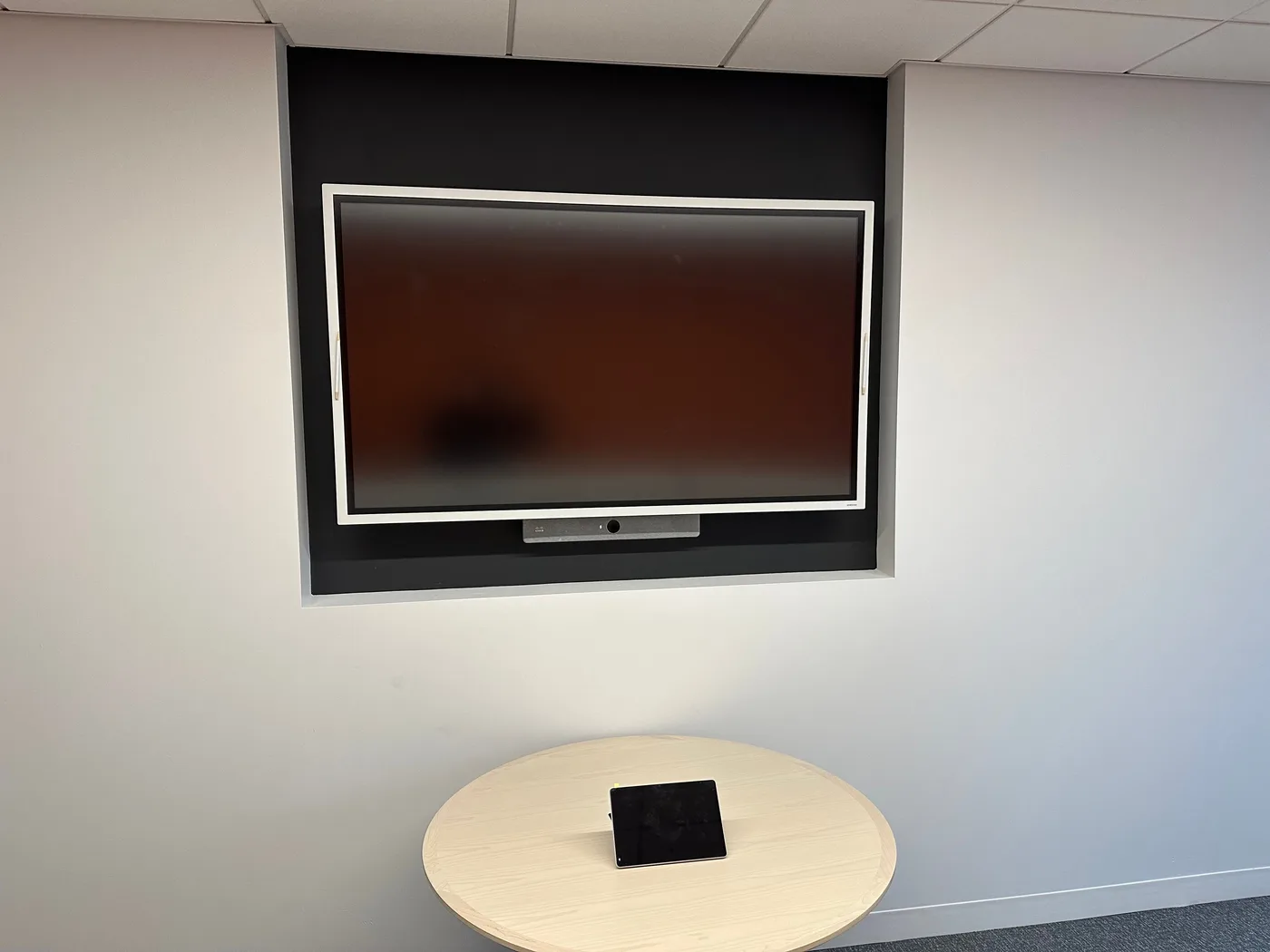
Huddle rooms (2–6 seats). All-in-one bar with built-in display, simpler control, often BYOD-friendly. The right answer for the small rooms where over-engineering does not pay back.
Executive offices. Personal Zoom Rooms or Teams Rooms setup at a desk — mic, camera, lighting, often with a second monitor.
Hardware partners
Logitech (Rally Bar, Tap, Sight) — the workhorse for most rooms. Poly (Studio X-series, Trio) — strong audio, well-priced, widely deployed. Yealink — competitive on price for Zoom Rooms and Teams Rooms. Crestron — for boardrooms where the budget supports the polish. Neat — for design-conscious clients. We pick by use case and budget, not by which line we resell most.
What goes wrong without proper design
The room books on the calendar but the screen does not wake when someone walks in. The mic only picks up the person sitting closest. People in the back of the room are too small in the camera frame. The display does not auto-switch to the right input. The cables get unplugged for a presenter’s laptop and never get plugged back in. The Wi-Fi the AV is on is the same Wi-Fi the conference room TV is fighting for bandwidth on.
These are all design decisions someone has to make. We make them up front so the room “just works” — not after a quarter of frustrated emails to IT.
From the field
Room types
- Huddle room — a small all-in-one bar deployment with simpler control.
- Conference room — a single display paired with an all-in-one video bar and proper mic coverage.
- Boardroom — multi-display, ceiling mics, touch panel, and full integration with the room’s calendar.
- Multi-room rollouts get standardized hardware and template configs, so volume works in your favor.
Every room is project-priced and itemized around the actual drivers — room size, seat count, platform, and how much integration the space needs. Each estimate covers hardware, design, install, integration, and training. Cabling is typically additional but quoted in the same scope so there are no hand-offs between vendors.
From our installs
Conference Room Design & Build — questions we get
Zoom Rooms or Microsoft Teams Rooms — which platform?
Match your stack. If your company runs on M365 and Teams, Teams Rooms is the right answer — calendar integration is seamless, your users already know the platform, and certified hardware is widely available. If your company is Zoom-first (still very common in client-facing industries like creative, professional services, sales orgs), Zoom Rooms wins. We deploy both, often in the same client when different teams have different defaults.
What about BYOD rooms — bring your own device?
BYOD rooms (HDMI in from a laptop, USB out to a soundbar with a camera) are cheaper, simpler, and more flexible — anyone can come in with any platform and run a meeting. The trade-off is that scheduling integration, "tap to join", and centrally managed firmware updates are weaker. Most clients do a mix: Teams or Zoom Rooms in primary boardrooms, BYOD in smaller huddle rooms.
How big a room before you need ceiling mics?
Most reliably, anything over about 14 feet of conference table needs distributed ceiling mics rather than a single soundbar. Past that, table mics or gooseneck mics on the boardroom credenza are the next step up. We design the audio for the actual room dimensions and use case, not a one-size-fits-all kit.
Will you handle the acoustic treatment too?
We do not install acoustic panels ourselves but we make the recommendations and coordinate with the GC during a buildout, or with an acoustic specialist for retrofits. Bad acoustics make even great AV sound bad. We will tell you what the room needs.
Other services we deliver
Commercial AV & Audio
Conference rooms, restaurant and retail audio, signage, and whole-building sound.
Read more about Commercial AV & AudioSmart Home & Residential AV
Lutron lighting, multi-room A/V, motorized shades, integrated control. For homes that demand commercial-grade reliability.
Read more about Smart Home & Residential AVLutron Lighting & Motorized Shade Design
Lutron lighting and motorized shade design — we design and award, a certified partner handles factory certification.
Read more about Lutron Lighting & Motorized Shade Design
Conference Room Design & Build for your industry
Conference Room Design & Build across the NY & NJ metro
Local pages with neighborhood-specific detail for conference room design & build.
Ready for IT that does not surprise you?
A 30-minute call. No slide deck. We will tell you what looks healthy, what looks risky, and what we would do first.